
Apple is once again setting the bar high for mobile innovation with the rollout of iOS 26.1. Following the major redesign of iOS 26, this new update focuses on refining the user experience, improving performance, and expanding Apple’s AI and language capabilities. iOS 26.1 isn’t just about bug fixes — it’s about enhancing functionality and ensuring a smoother, smarter iPhone experience for users worldwide.
Table of Contents
1. Overview of iOS 26.1
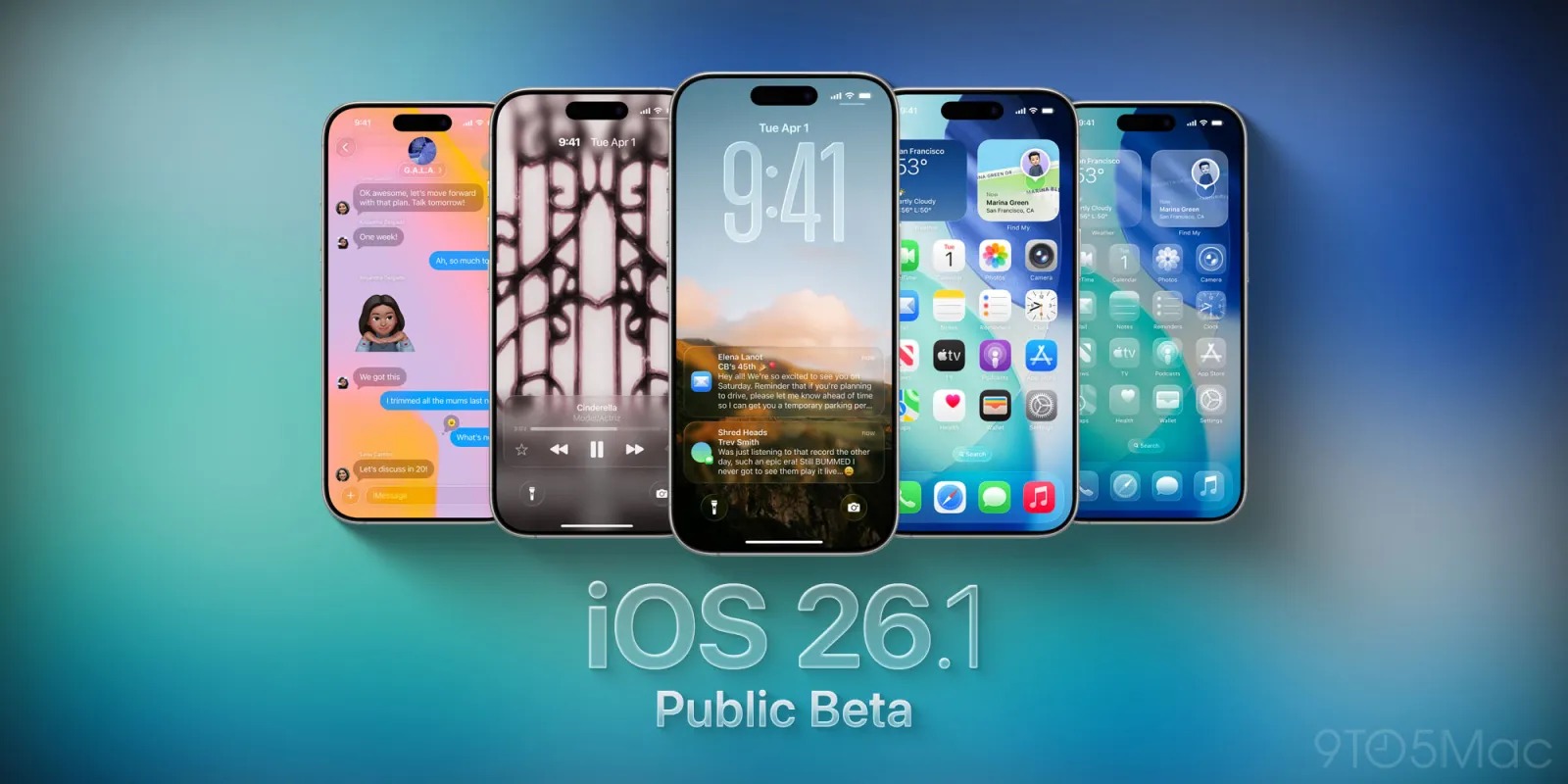
The iOS 26.1 update marks Apple’s shift from introducing groundbreaking features to perfecting them. After the big launch of iOS 26’s “Liquid Glass” design language and Apple Intelligence features, iOS 26.1 takes a more polished approach.
It fine-tunes the design elements, expands the supported languages for AI and translation, and adds usability improvements across core apps like Music, Clock, and Photos.
Expected Release: Late October 2025
Compatibility: All devices that currently support iOS 26 (from iPhone XS and newer)
2. What’s New in iOS 26.1
2.1 Expanded Language and Translation Support
Apple continues to globalize its intelligent features. With iOS 26.1, Apple Intelligence (the company’s on-device AI assistant) now supports eight new languages, including:
- Danish
- Dutch
- Norwegian
- Portuguese (Portugal)
- Swedish
- Turkish
- Traditional Chinese
- Vietnamese
Additionally, AirPods Live Translation now supports Japanese, Korean, Italian, and Chinese — allowing seamless real-time conversations across more regions.
👉 Why it matters: These additions make iPhones more practical for international travelers, students, and professionals who communicate across borders.
2.2 Design and Interface Enhancements
iOS 26 introduced a futuristic Liquid Glass design language — a blend of transparency, motion, and depth. In iOS 26.1, Apple fine-tunes this design for better usability and visual comfort.
Key changes include:
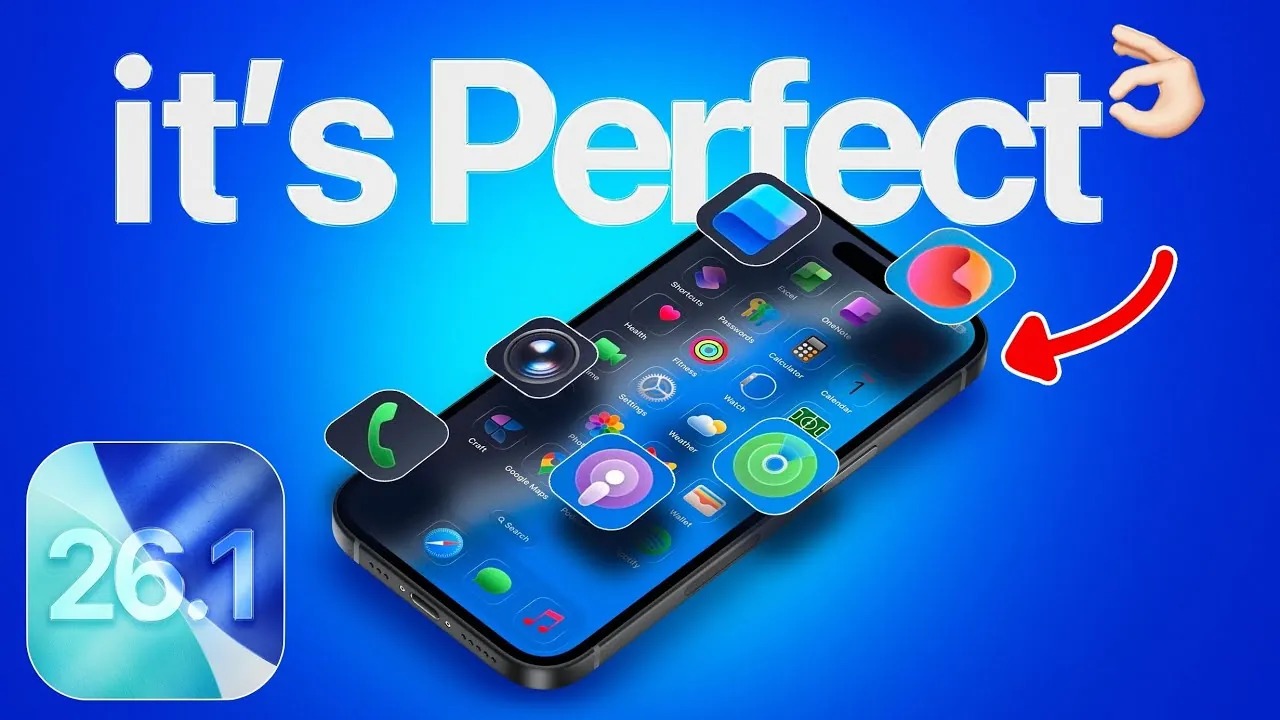
- The Phone app keypad now adopts the Liquid Glass look, giving it a fresh and modern touch.
- A new “Clear” vs. “Tinted” mode allows users to customize transparency levels for readability.
- The Photos app gets redesigned video playback controls and smoother transitions.
- Settings and Calendar apps receive subtle UI adjustments for better consistency.
Why it matters: Apple is responding to user feedback, giving people more control over visibility and aesthetics without losing the elegance of the Liquid Glass design.
2.3 Apple Music and Clock Improvements
- Apple Music and the Clock app receive thoughtful usability updates that enhance daily convenience.
- In Apple Music, you can now swipe left or right on the mini-player to skip tracks — a simple yet satisfying gesture.
- The Clock app introduces a new “Slide to Stop” alarm interaction on the Lock Screen, reducing the chance of accidentally dismissing alarms.
- In Settings, text and icon alignment have been improved for cleaner navigation.
Why it matters: These small adjustments make everyday tasks faster, smoother, and more intuitive.
2.4 Under-the-Hood Improvements
- While many enhancements are visual, iOS 26.1 also lays groundwork for upcoming innovations.
- Third-party smartwatch compatibility: iOS 26.1 code hints at Apple’s preparation to support non-Apple smartwatches through “Notification Forwarding.”
- Third-party AI integration: Apple Intelligence may soon allow multiple AI models, not just ChatGPT, opening doors for more diverse AI experiences.
- Digital ID groundwork: Updates in the Wallet framework suggest that digital passports and IDs could arrive in future iOS 26.x releases.
👉 Why it matters: These clues show Apple’s strategy toward greater openness and flexibility — an exciting shift for developers and power users alike.
3. Why iOS 26.1 Matters
3.1 For Everyday Users
iOS 26.1 focuses on what truly matters to most users — stability, clarity, and control. With new language options, refined visuals, and smoother app performance, this update makes your iPhone feel faster, smarter, and more personal.
3.2 For Businesses and Enterprises
Enterprises benefit from expanded language capabilities and improved notification frameworks. The potential for third-party smartwatch integration could make Apple’s ecosystem more compatible with workplace devices.
3.3 For Developers
iOS 26.1 introduces a refined SDK, requiring developers to test app layouts and UI compatibility with the new Liquid Glass theme. It’s also a chance to optimize apps for Apple’s expanding AI and translation APIs.
4. Preparing for the iOS 26.1 Update
Before updating, users should follow best practices to ensure a smooth upgrade:
- Backup Your Device – Always back up via iCloud or Finder before updating.
- Check Compatibility – Confirm your device supports iOS 26 (iPhone XS or newer).
- Review App Compatibility – Some apps may need updates to align with iOS 26.1 features.
- Wait if Necessary – If you depend on your phone for work, consider waiting a few days after release to ensure early bugs are patched.
- Customize Settings – Explore new toggles such as transparency modes and translation preferences.
5. Known Issues and User Feedback
- While iOS 26.1 is designed for stability, early betas have revealed a few things to watch:
- Some users report minor battery drain during the first 48 hours post-update (typically due to background indexing).
- High transparency modes may affect visibility in bright sunlight — though the new “Tinted” option resolves much of this.
- As with all new releases, a few apps may temporarily misbehave until developers push updates.
6. Release Timeline and Availability
Apple has released multiple betas throughout October 2025. The public release of iOS 26.1 is expected in late October 2025, most likely the last week of the month.
Users can install the update over-the-air (OTA) by navigating to:
Settings → General → Software Update → Download and Install.
7. Final Verdict
The iOS 26.1 update represents Apple’s effort to refine rather than revolutionize. It enhances everything users already love about iOS 26 — but makes it more stable, polished, and globally inclusive.
If you skipped iOS 26 due to concerns about bugs or visual complexity, iOS 26.1 is the version worth upgrading to.
✅ Key Takeaways:
- Smoother, more customizable design
- Expanded AI and translation support
- Better usability across Music, Clock, and Photos
- Early groundwork for future features like digital ID and third-party AI
Verdict: A must-have update for iPhone users seeking balance between innovation and reliability.
✍️ Written by Tech4Grow – Your source for the latest tech insights, smartphone reviews, and digital innovations.